Get Grok (xAI) API Key
Connect xAI Grok to Genko Comic
Overview
Grok is an AI tool made by xAI. To use Grok for creating images and text in Genko Comic, you need an xAI API key. This guide shows you how to get one.
Step 1: Create an xAI Account
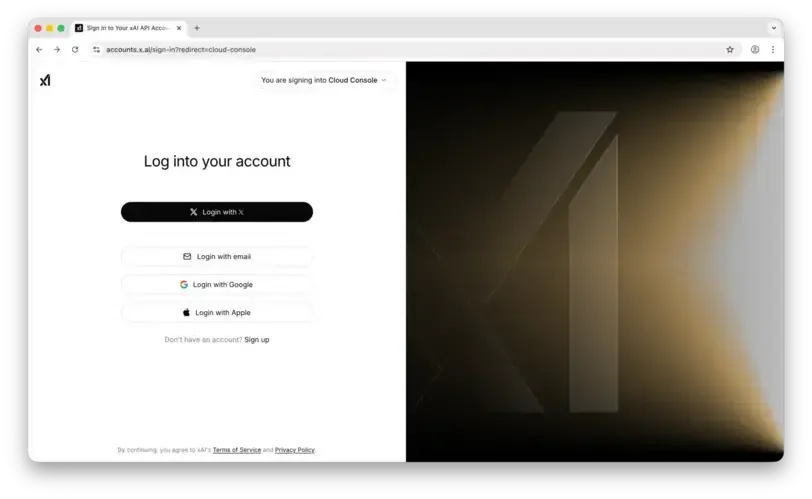
Go to accounts.x.ai/sign-up and sign up for a new account. You can use your email or sign in with your X (Twitter) account.
Step 2: Add Credits
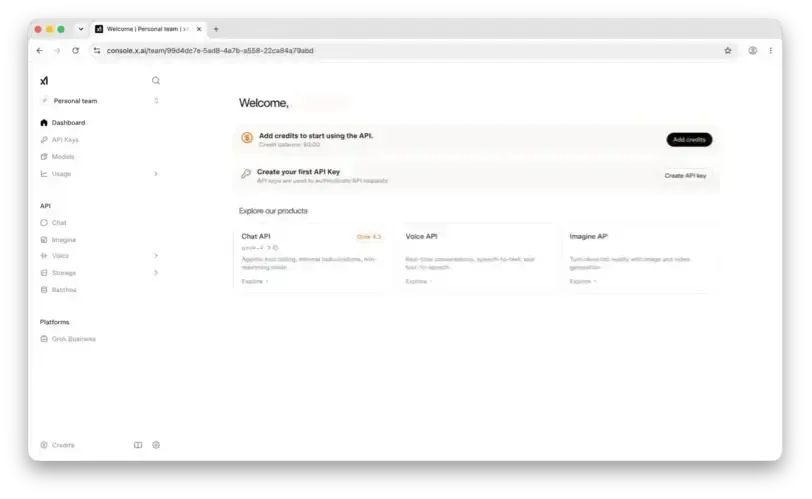
Go to the billing section in the xAI console. You need to add a payment method and add credits before Grok can work in Genko Comic.
Step 3: Create an API Key
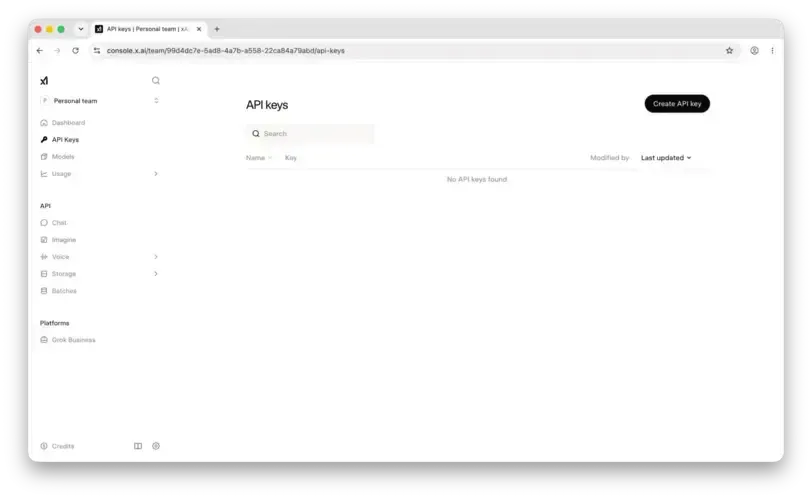
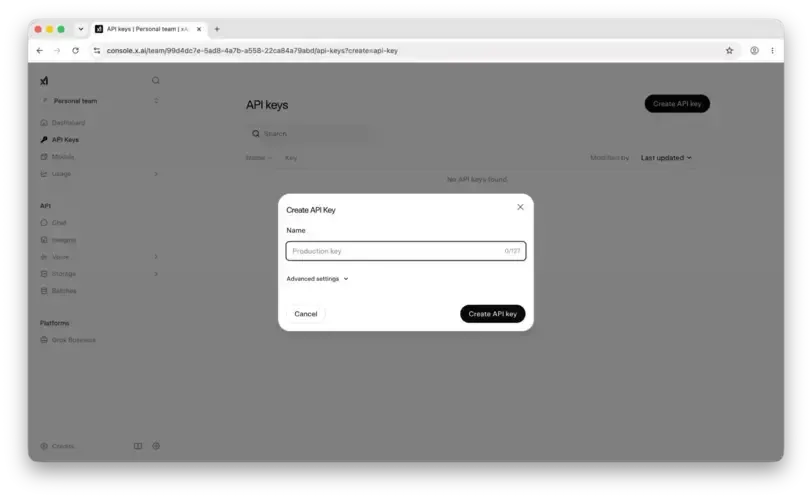
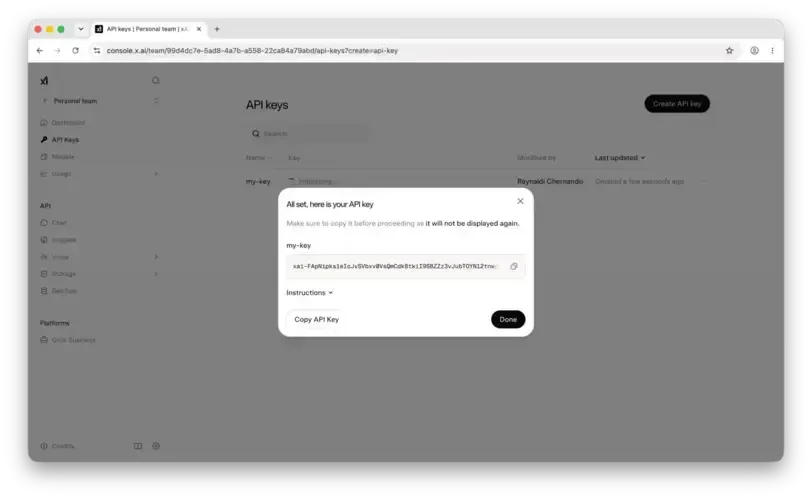
Go to the API Keys page in the xAI console. Click Create API Key, give it a name, and copy the key that is created.
Step 4: Add the API Key to Genko
Open Genko Comic and follow these steps to connect your Grok API key:
- Click the AI Provider Settings button (gear icon) or go to the AI Dashboard settings.
- In the AI Provider dropdown, select Grok.
- Pick a model from the Model dropdown (e.g.,
grok-3,grok-3-mini). - Paste your API key into the API Key field.
- Click Save.
/dashboard/ai.Check If It Works
After saving, try using any AI feature in Genko Comic (like creating an image). If it works, your Grok API key is set up correctly.
- If you get an error, check that you copied the full API key without extra spaces.
- Make sure your xAI account has credits.
- Check that you selected the right provider (Grok) in the settings.