Speech Bubble Editor
Customize dialogue bubbles
Speech Bubble Editing Overview
Speech bubbles are used for dialogue and narration in comics. The speech bubble editor lets you change how they look and where they are placed to match your comic's style.
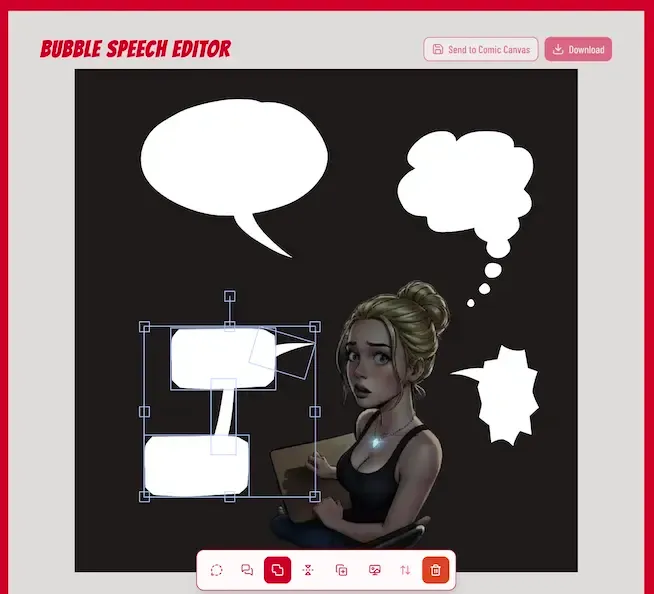
Merging Bubble Pieces
First, go to the Genko Comic Speech Bubble Editor by clicking here .
Load Bubble and Tail Pieces
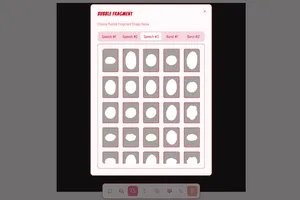
- Click the speech bubble button to open the bubble menu
- Pick a bubble style you like from the list
- Load the bubble using the main tools button
- Move the bubble and the tail close to each other
Merge Bubble and Tail
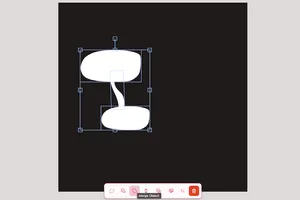
- Drag your mouse over both pieces to select them
- Click "Merge Object" in the main tools
- You can also flip or change the order from the menu
Save and Download
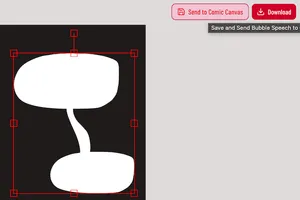
- Make sure the merged bubble is selected (it will have a red border)
- Click the download button at the top to save it
- Or save it and send it directly to your comic page
Using Your Custom Bubble
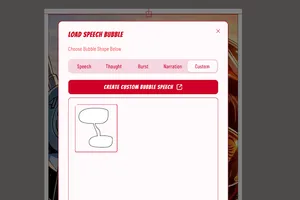
- Go to the Genko Comic editor
- Click "Load Bubble" in the main tools
- Your saved custom bubble will show up in the "Custom" tab